Photo Face Swap
Upload any photo and swap faces instantly with AI. Realistic results in seconds — no sign-up, no watermark.
Try Photo Face Swap Now
Upload your photo below and experience AI face swap instantly — no sign-up needed.
Powered by open-source AI models. Your photos are processed in real-time and never stored.
What Is Photo Face Swap?
Photo face swap is an AI-powered image editing technique that replaces one person's face in a photo with another face from a different image. Unlike traditional photo editing that requires hours in Photoshop, AI face swap tools like EZFaceSwap handle the blending, color matching, and texture alignment automatically — delivering results in seconds.
The technology behind photo face swap uses deep neural networks trained on millions of facial images. When you upload a source photo and a target photo, the AI identifies facial landmarks — eyes, nose, mouth, jawline — in both images, warps the source face to match the geometry of the target, and blends skin tone and lighting for a seamless result.
Photo face swap has dozens of creative and practical applications: putting yourself into famous paintings or movie scenes, creating funny memes with friends, generating professional headshots, making personalized gifts, or just exploring what you'd look like with a completely different face. EZFaceSwap makes all of this accessible to anyone without technical skill or paid software.
How Photo Face Swap Works
Three simple steps from upload to download. No design skills or software required.
Upload Your Photos
Upload the source photo (the face you want to use) and the target photo (the image where the face will be swapped). Both photos should have the face clearly visible and well-lit for best results.
AI Detects & Aligns Faces
EZFaceSwap's AI automatically detects all faces in your photos, maps 68 facial landmarks on each face, and calculates the geometric transform needed to align the source face to the target position.
Download Your Result
The AI blends the face swap in seconds — matching color, lighting, and texture. Preview your result instantly and download the full-resolution image with no watermark added.
Photo Face Swap Examples
See what EZFaceSwap's AI can do with real before-and-after results.
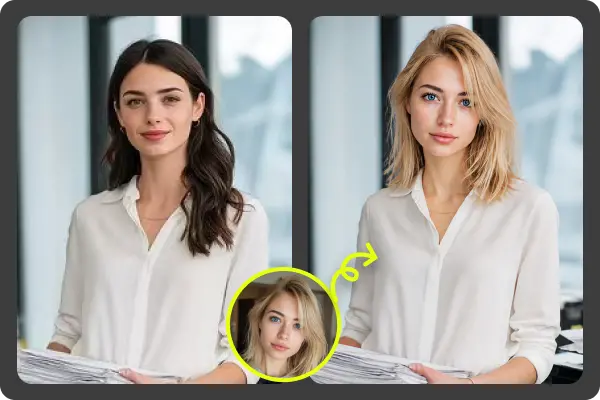
Portrait Face Swap
Realistic skin tone and lighting match
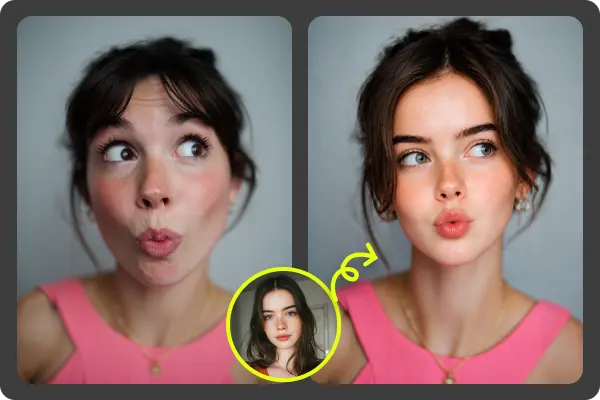
Seamless Blending
Natural edge blending and color correction
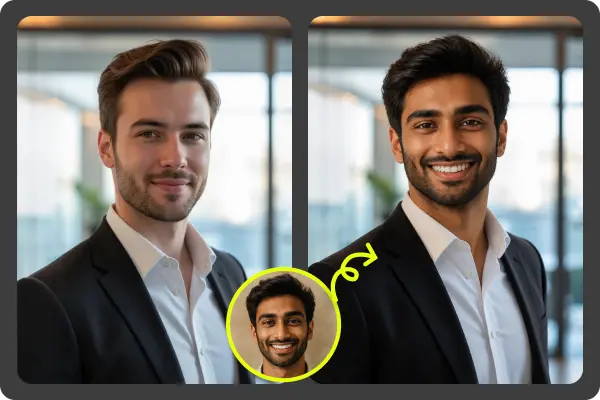
HD Output
Full resolution download with no watermark
Key Features of Photo Face Swap
Everything you need for realistic, professional-quality face swaps in photos.
Instant AI Processing
Deep learning models process your photo face swap in under 10 seconds. No waiting in queues or dealing with slow manual edits.
Realistic Skin Tone Matching
The AI analyzes and matches skin tone between source and target faces, ensuring natural-looking blends even across different complexions.
Automatic Lighting Adjustment
Facial lighting and shadow direction are detected and matched automatically, so your swapped face looks like it belongs in the original photo.
High-Resolution Output
Download your face swap result in full original resolution — no compression, no quality loss, and absolutely no watermark.
Supports Any Photo Type
Works with selfies, professional portraits, group photos, artistic images, and costume photos. Upload JPG, PNG, or WEBP formats.
No Sign-Up Required
Use EZFaceSwap completely anonymously. No account creation, no email verification — just upload, swap, and download.
Best Use Cases for Photo Face Swap
Photo face swap has creative, professional, and entertainment applications for everyone.
Fun & Entertainment
Swap your face onto celebrities, movie characters, or historical figures. Create viral meme content, prank photos, or hilarious birthday cards for friends and family.
Art & Creative Projects
See your face in famous paintings, vintage portraits, or fantasy artwork. EZFaceSwap works great with artistic photos including our feature-art style face swaps.
Social Media Content
Create engaging Instagram posts, TikTok content, or Twitter memes using face swap photos. Stand out with creative AI-generated images that get shares and reactions.
Professional Headshots
Quickly generate professional-looking profile photos by swapping your face into a studio-quality portrait background. Perfect for LinkedIn or corporate directories.
Costume & Cosplay Preview
Preview how you'd look in different costumes, hairstyles, or character outfits before committing to a full cosplay build or Halloween costume.
Personalized Gifts
Create custom gifts with family members' faces on funny or heartfelt images. Print the results on mugs, cards, or posters for birthdays and special occasions.
More Photo Face Swap Results
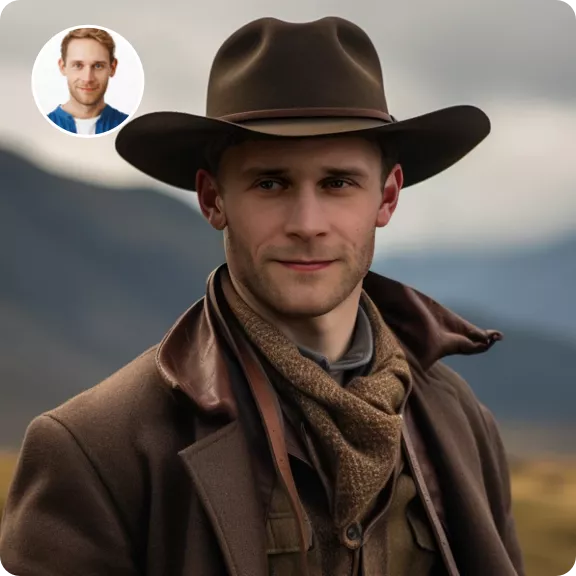
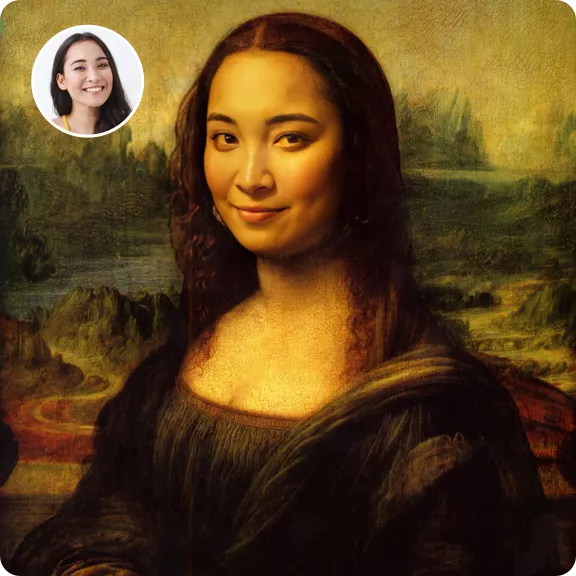
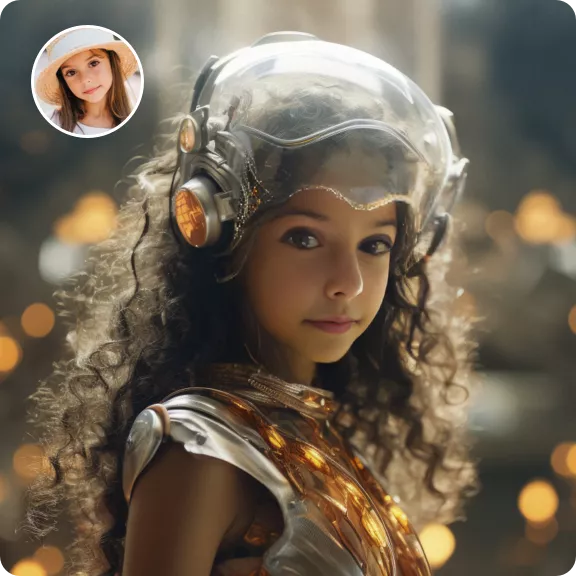
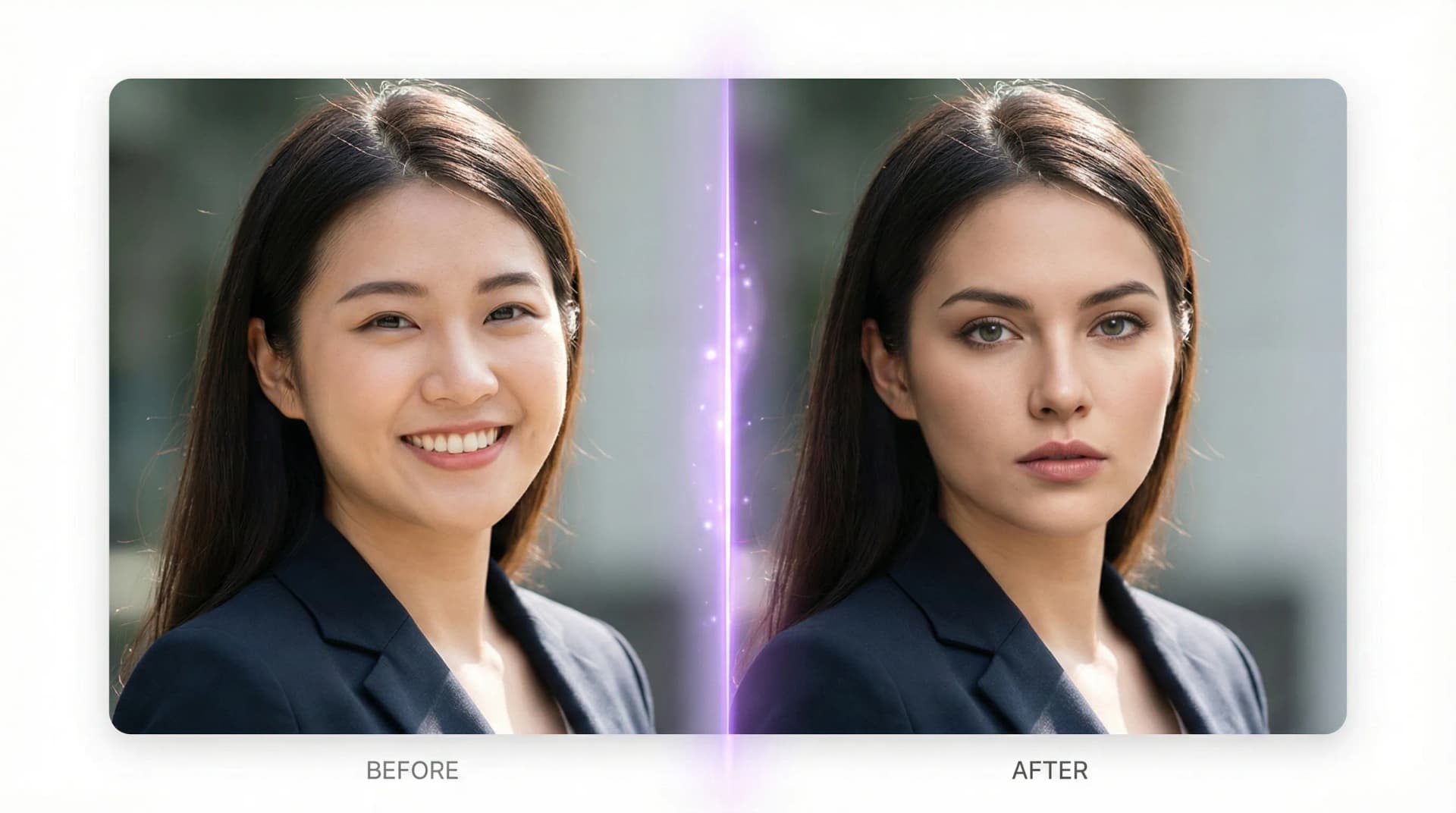
Photo Face Swap — Frequently Asked Questions
What is photo face swap and how does it work?
Is EZFaceSwap photo face swap free?
What image formats are supported for photo face swap?
Will the face swap look realistic?
Can I swap faces between different people?
Is my photo data private and secure?
Can I swap faces in group photos?
What should I do if the face swap result looks off?
Try Photo Face Swap Now — It's Free
Upload any photo and swap faces in seconds. No account needed, no watermark, no limits.