GIF Face Swap
Swap faces in GIFs with AI. Create hilarious face swap animations in seconds, with no watermark.
Source GIF
Click or drop here Supports GIFTarget Face (the new face)
Click or drop here Supports JPG, PNG, WEBPSign in with Google to start. See pricing
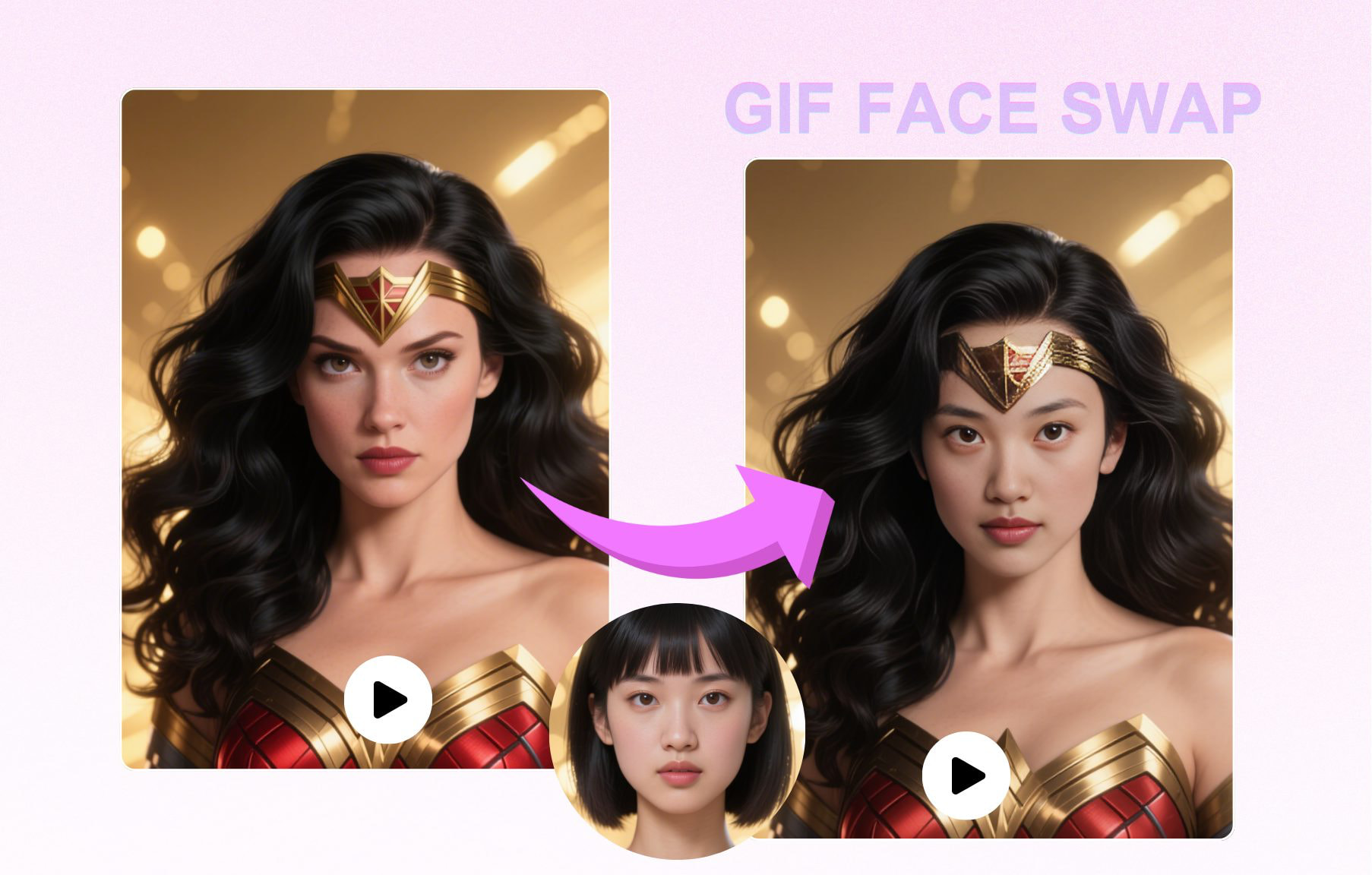
What Is GIF Face Swap?
GIF face swap applies AI-powered face replacement to animated GIF images — producing a face-swapped animation that loops just like the original. A GIF file is a sequence of static image frames played back in rapid succession to create the illusion of motion. GIF face swap processes each individual frame, replaces the face in every frame, and reassembles them into a new animated GIF with the swapped face throughout.
The challenge unique to GIF face swap — compared to single photo face swap — is temporal consistency. Because GIFs loop and repeat, any inconsistency in the face blending between frames becomes very visible as the animation cycles. EZFaceSwap uses a frame-linking algorithm that tracks the face position across consecutive frames and smooths the blend transitions, so the final GIF loops naturally without the face flickering or jumping.
GIF face swap is the go-to tool for internet meme culture. Classic reaction GIFs, celebrity clips, movie moments, and trending meme formats can all be reimagined with different faces — putting yourself, a friend, or any face into the loop. The results are instantly shareable on Twitter, Reddit, Discord, and messaging apps. EZFaceSwap produces clean GIF output with no watermark, making your creations indistinguishable from naturally created GIFs.
Beyond meme creation, GIF face swap has legitimate uses in marketing content, personalized greetings, sticker packs, and entertainment projects. Animated stickers with custom faces are increasingly popular on messaging platforms, and GIF face swap is the easiest way to create them.
GIF Face Swap in Action
See examples of animated face swap output — from reaction GIFs to meme formats.
Animated GIF Face Swap Demo
Frame-by-frame face replacement with smooth looping

Reaction GIF — custom face swap
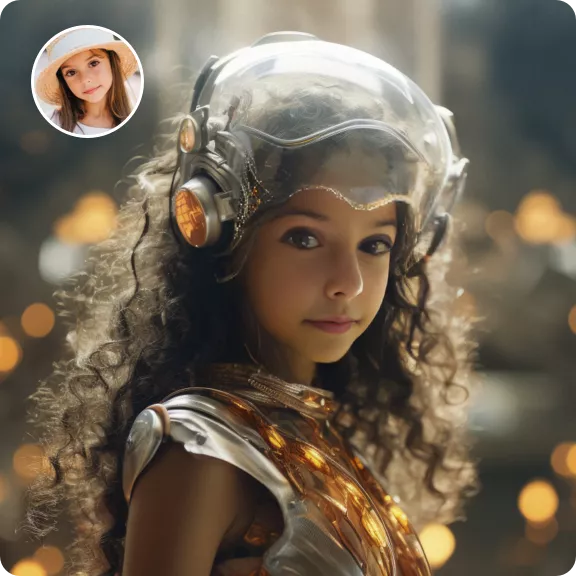
Meme format — AI face replacement
How GIF Face Swap Works
From uploaded GIF to looping face-swapped animation — in seconds.
Upload GIF & Source Face
Upload your animated GIF file and a clear source face photo. The AI extracts all frames from the GIF for individual processing. Use a well-lit, front-facing source photo for best results.
Frame Analysis & Face Tracking
The AI analyzes every GIF frame, detects the target face, maps 68 facial landmarks, and tracks face movement across frames. Temporal consistency smoothing links consecutive frames together.
Export Animated GIF
All frames are processed, the replacement face blended into each, and the frames reassembled into a looping animated GIF with original timing preserved. Download with no watermark.
Key Features of GIF Face Swap
Built for animated content — smooth loops, no watermarks, instant results.
Animated Output — Loops Naturally
The output GIF preserves the original loop count and frame timing. The swapped face animates exactly as the original GIF did — no choppy transitions or loop artifacts.
Temporal Frame Consistency
Frame-linking algorithms prevent flickering between consecutive frames. The face blending smooths across the entire animation sequence for a stable, natural-looking loop.
Meme-Ready Output
GIF face swap output is clean, shareable, and watermark-free. Post directly to Twitter, Reddit, Discord, or any platform that supports animated GIFs.
Original Timing Preserved
Animation frame delays, playback speed, and loop settings from your original GIF file are carried through unchanged to the output. Only the face content changes.
Supports Large GIFs
Process GIF files up to 50MB with many frames. Higher frame count GIFs take slightly longer but produce smoother, more natural animation results.
No Watermark
Every GIF face swap downloads with no watermark and no branding, ready to share. Credits are a one-time purchase that never expires.
GIF Face Swap Use Cases
Viral Meme Creation
Replace celebrity or character faces in popular meme GIFs with any face you choose. Create custom reaction GIFs, parody content, or inside jokes for friend groups that spread across social platforms.
Personalized Stickers
Create custom animated sticker packs for WhatsApp, Telegram, or Discord by face-swapping friends, family members, or yourself into expressive animated GIF templates.
Marketing & Brand Content
Brands use GIF face swap to create personalized marketing content, interactive campaigns, and shareable social media assets. Custom GIFs drive higher engagement than static images.
Entertainment & Fan Art
Put yourself or a friend into your favorite movie moments, anime scenes, or celebrity GIFs. Share fan-made animated content with communities on Reddit, Tumblr, or fan sites.
GIF Face Swap — Frequently Asked Questions
What is GIF face swap?
How much does GIF face swap cost?
What GIF file sizes does EZFaceSwap support?
Will the face swap loop smoothly in the GIF?
Can I create face swap memes with GIF face swap?
Does the GIF keep its original animation speed?
Can I swap faces in a GIF with multiple people?
What if the face moves a lot between GIF frames?
Create Face Swap GIFs
Upload any animated GIF and swap the face in seconds. Sign in with Google and download with no watermark.
Want sharper, more accurate face swaps? Sign in for better results →